Data Slayer
95 pay-per-result social media scrapers on Apify Store
- Public actors
- 95
- Total users
- 19,730
- Total runs
- 2.58M
- 30-day success rate
- 99.1%
- Most used actor
- Instagram Post & Reel Details
- Average review
- 5.0 / 5
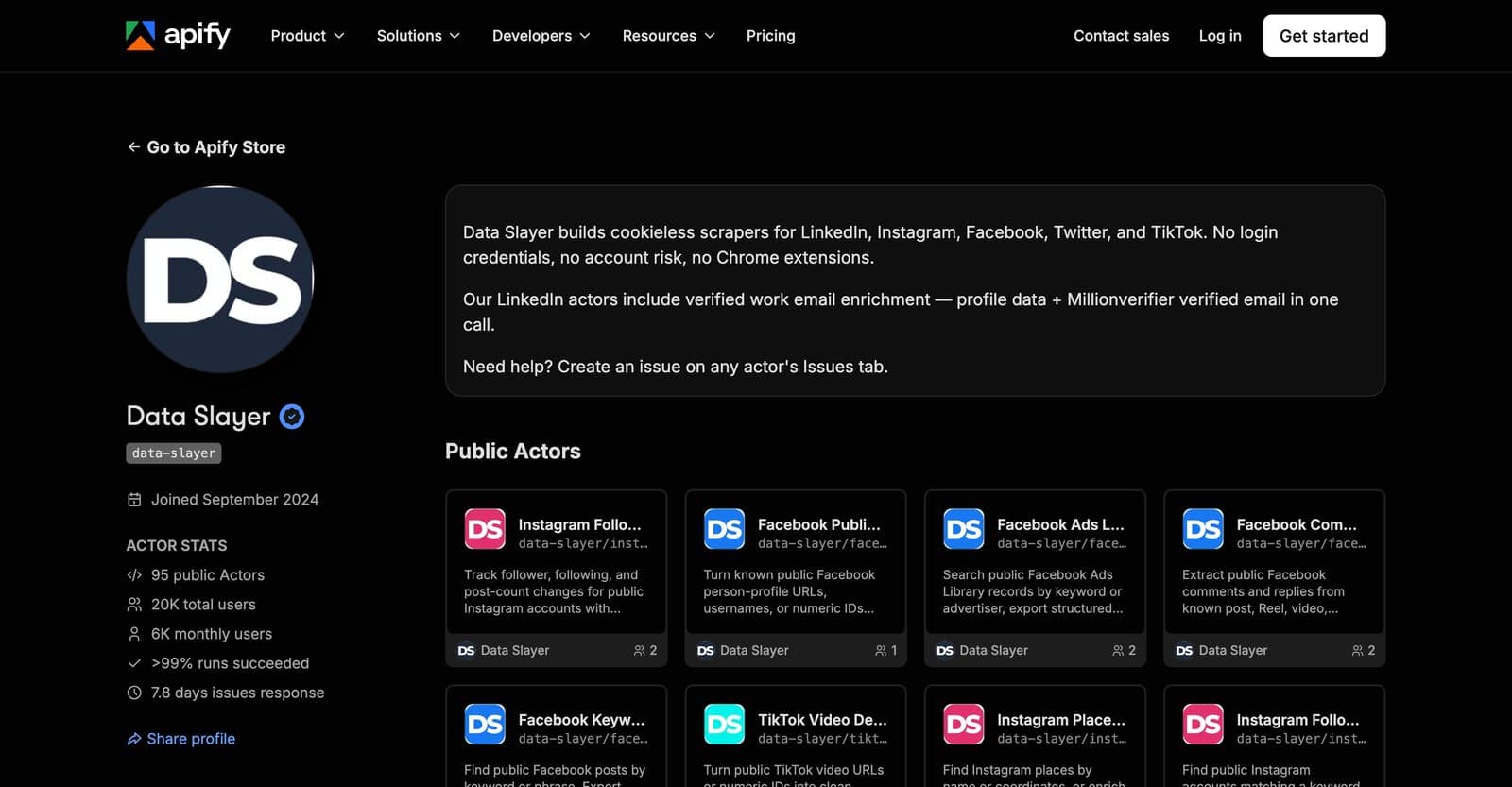
Data Slayer is a publisher account on Apify Store with 95 scrapers for Instagram (33), LinkedIn (31), Facebook (12), X (11) and TikTok (8). A user pastes URLs, usernames or keywords, runs the actor, and downloads structured JSON, CSV or Excel. Nothing asks for the user's own account, login or cookies, and billing is per result.
The problem
Teams doing lead generation, market research and social listening need public social data in a spreadsheet, not in a browser tab. Most tools either ask for the user's own account credentials or a browser extension, which puts that account at risk, or charge a flat subscription regardless of volume. The goal was to make each data type a small, single-purpose actor: paste input, get a dataset with a stable shape, pay only for the rows you received.
How it is built
Every actor is a small Python program on the Apify SDK with the same layout: an input schema, a main entry point, a README that doubles as the Store listing, and a Dockerfile generated from one template. A push script deploys the whole Instagram family in one command, so a fix to the shared code ships to fifteen actors at once.
The Instagram actors share one client module and one enrichment module rather than copying request code. The client puts every endpoint behind a typed method with a timeout, a bounded number of retries and a short wait on rate-limit or server errors, so an actor's main file is reduced to input validation, a loop and push_data.
Concurrency is explicit and bounded. Enrichment runs a handful of lookups at a time behind an asyncio semaphore with a small delay between calls; the LinkedIn profile actor fans work across a thread pool and backs off exponentially on failures. A failure on one item is recorded on that row and never aborts the run.
Output is designed for pipelines. Every record has the same field shape with null placeholders when a value is missing, and the error text shown to users is short and sanitized while full details go to the actor log. Actors that enrich contacts offer basic, enriched and verified modes so users only pay for the depth they need.
What it taught me
- A shared client with timeouts, retries and a semaphore pays for itself by the third actor; the actor files became almost entirely input handling.
- Per-item error isolation matters more than raw speed in paid runs: a user who gets 98 good rows plus two clear error rows comes back.
- Profiling showed fixed sleeps, not network time, dominated the slowest pipeline; adaptive polling with jittered backoff is the fix, not more threads.
Architecture
A user starts a run from the Apify Console, the API or an integration such as a no-code automation tool. Apify starts the actor's container with the validated input and meters billing. The actor calls a shared client module that performs bounded, retried requests against upstream data sources and, in enriched modes, a contact verification step. Each finished row is pushed to the run's dataset, which the user downloads or reads over the API.
Layer 1
UserClient
Console, API or integrations
→ Apify platform (starts run)
Layer 2
Apify platformService
Runs, meters and stores
→ Actor (input, billing)
Layer 3
ActorWorker
One Python actor per data type
→ Shared client (typed calls) → Dataset (push rows)
Layer 4
Shared clientService
Typed calls, retries, semaphore
→ Upstream sources (bounded, retried) → Contact verification (optional)
DatasetStore
JSON, CSV, Excel
→ User (download or API)
Layer 5
Upstream sourcesExternal
Public social data
Contact verificationExternal
Optional enriched modes
Stack
Backend
- Python 3.11
- Apify SDK
- asyncio
- aiohttp and httpx
Data
- JSON input and output schemas
- Apify datasets (JSON, CSV, Excel export)
Infrastructure
- Apify platform (Docker-based actors)
- Apify CLI push scripts
- Pay-per-event billing